Every T3 Code project gets its own cloud VM
Pair an unchanged T3 Code client once. VM Bridge creates VMs on your provider, sleeps them when idle, and wakes them when you send a message.
$ curl -fsSL https:/ MacBookiPhone
Setup takes four steps
Run one executable on macOS or Linux. After the first command, all configuration happens in the browser.
First run asks for a dashboard password. VM Bridge stores state in ~/.vmbridge, listens on port 3774, and serves /dashboard.
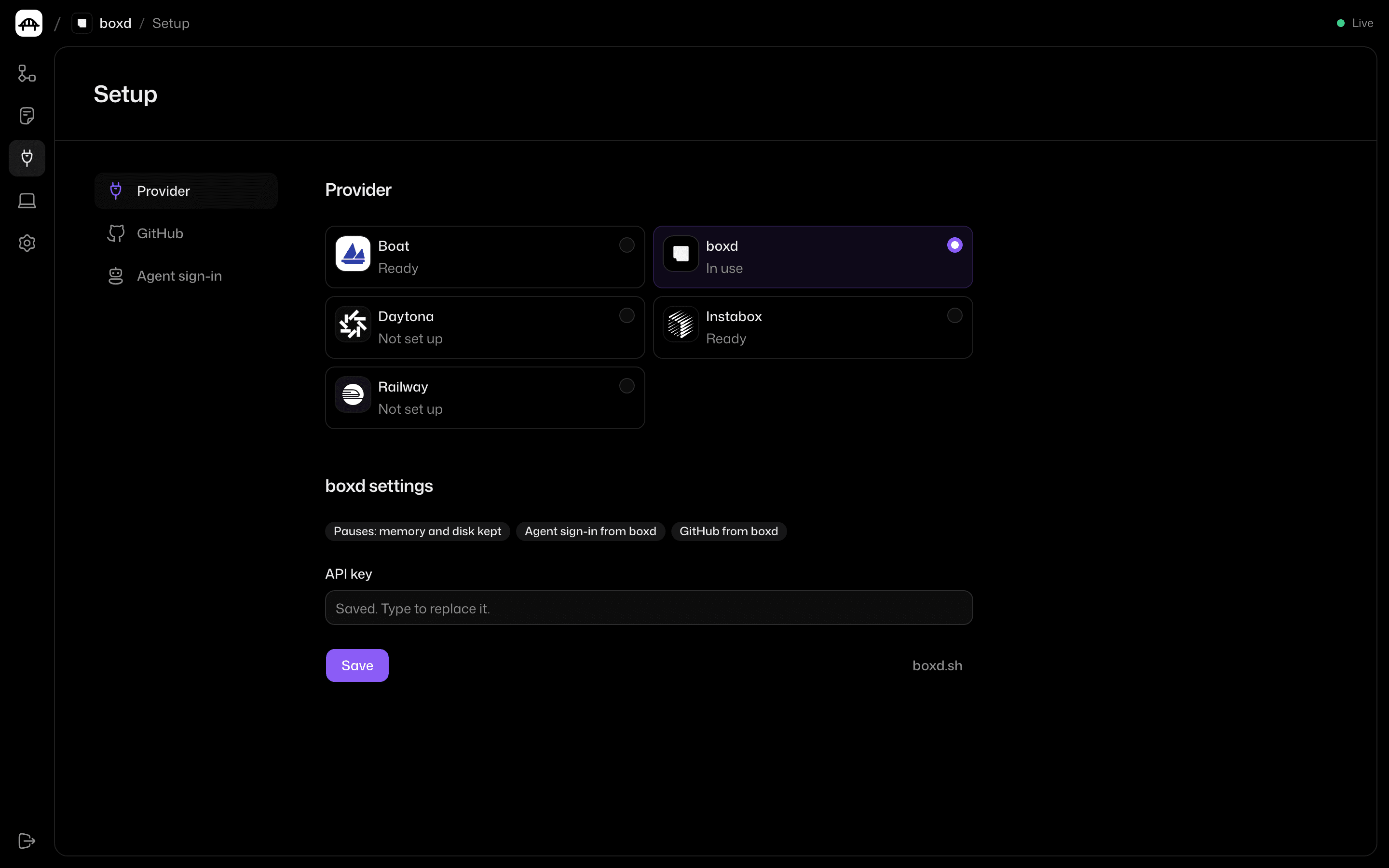
Add a key for boxd, Instabox, Daytona and five more. Then connect GitHub, add agent sign-ins, and set the VM size and idle timeout.
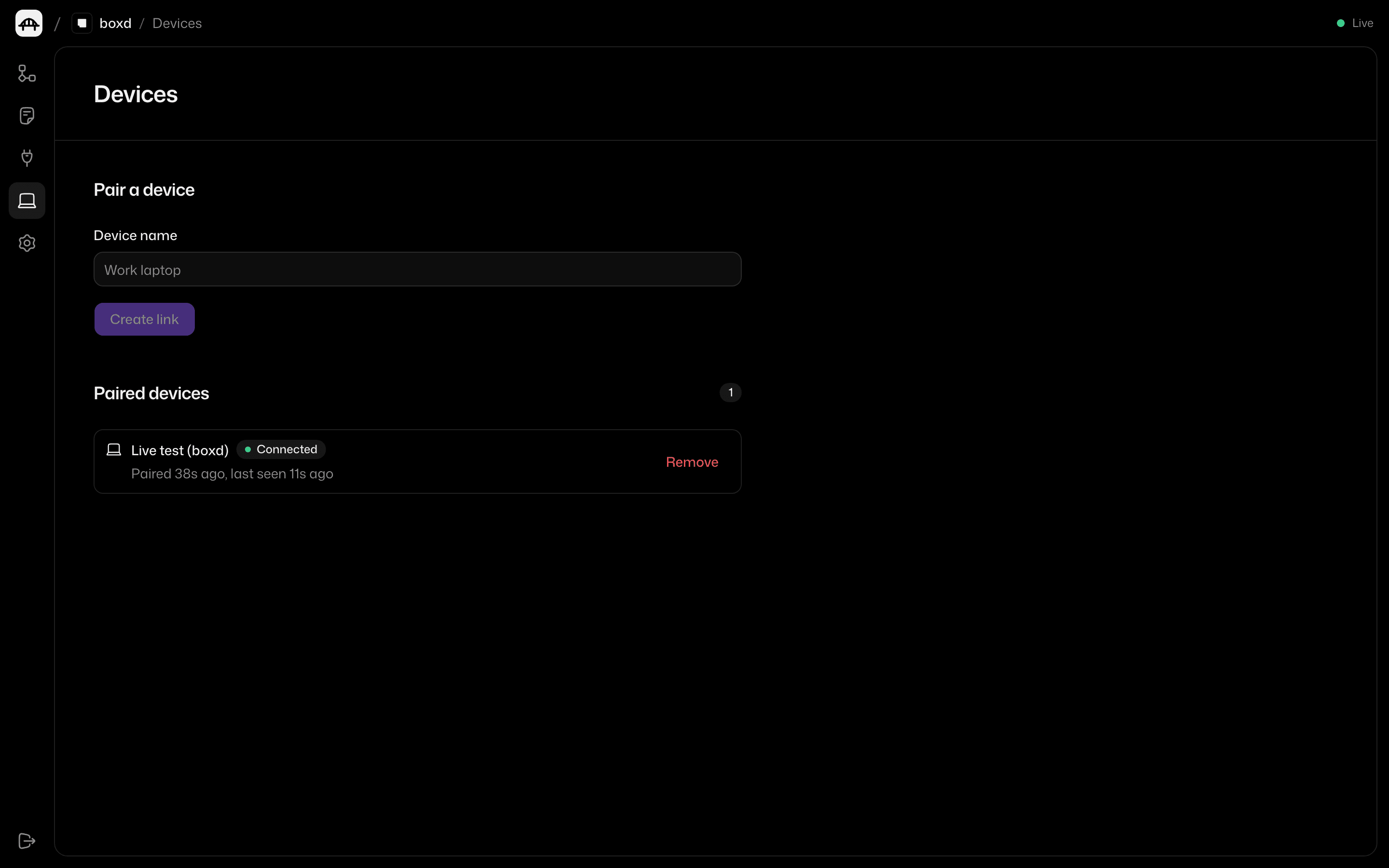
Create a single-use pairing link under Settings, Devices and paste it into T3 Code as a remote environment. Each device gets its own token.
VM Bridge creates a VM for the repository, installs Node, T3, Codex, Claude Code, and OpenCode, starts the T3 server, and clones the project.
Awake only when in use
VM Bridge tracks open clients, running turns, and pending approvals. When a VM sits idle, it saves the threads and puts the VM to sleep.
VM Bridge saves each thread and pauses, stops, or checkpoints the VM. Threads stay readable in T3 Code.
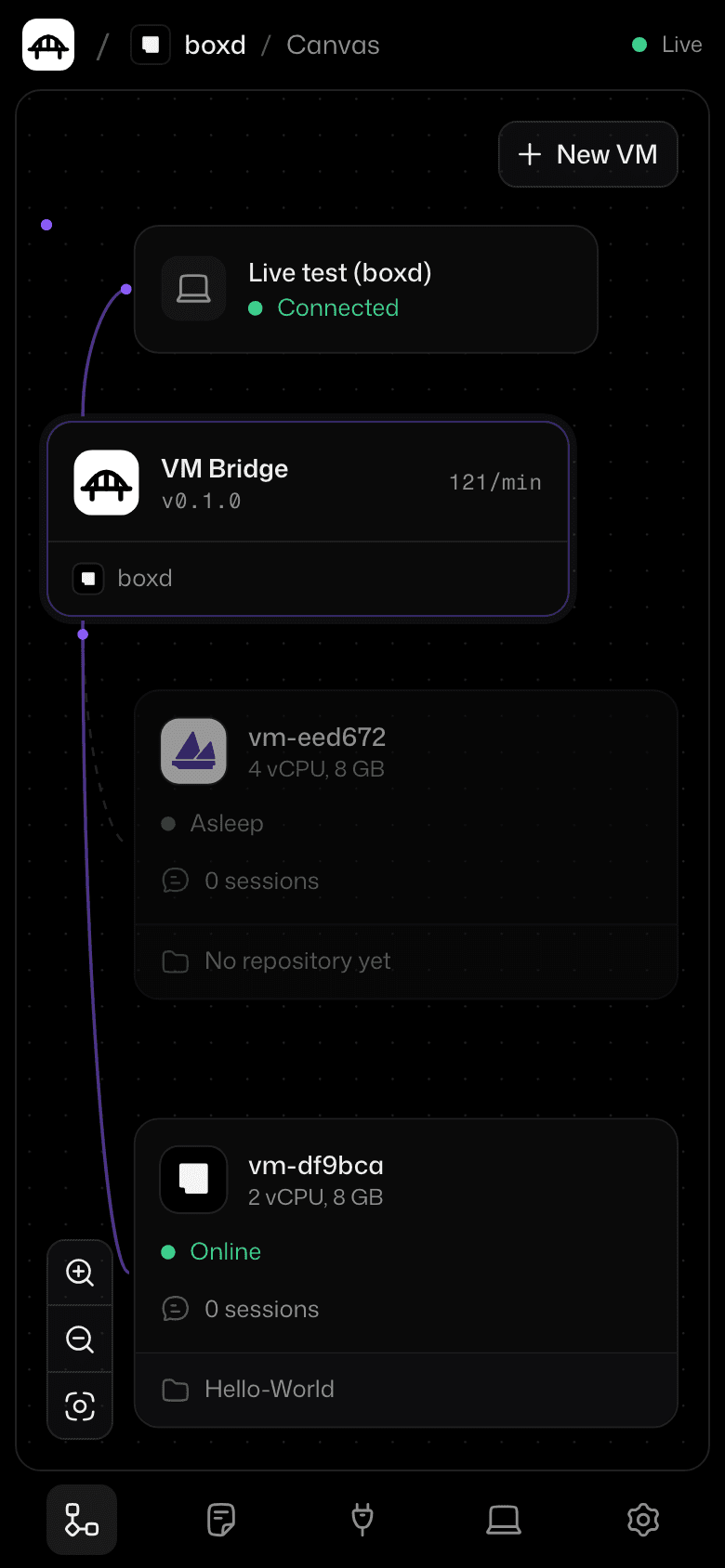
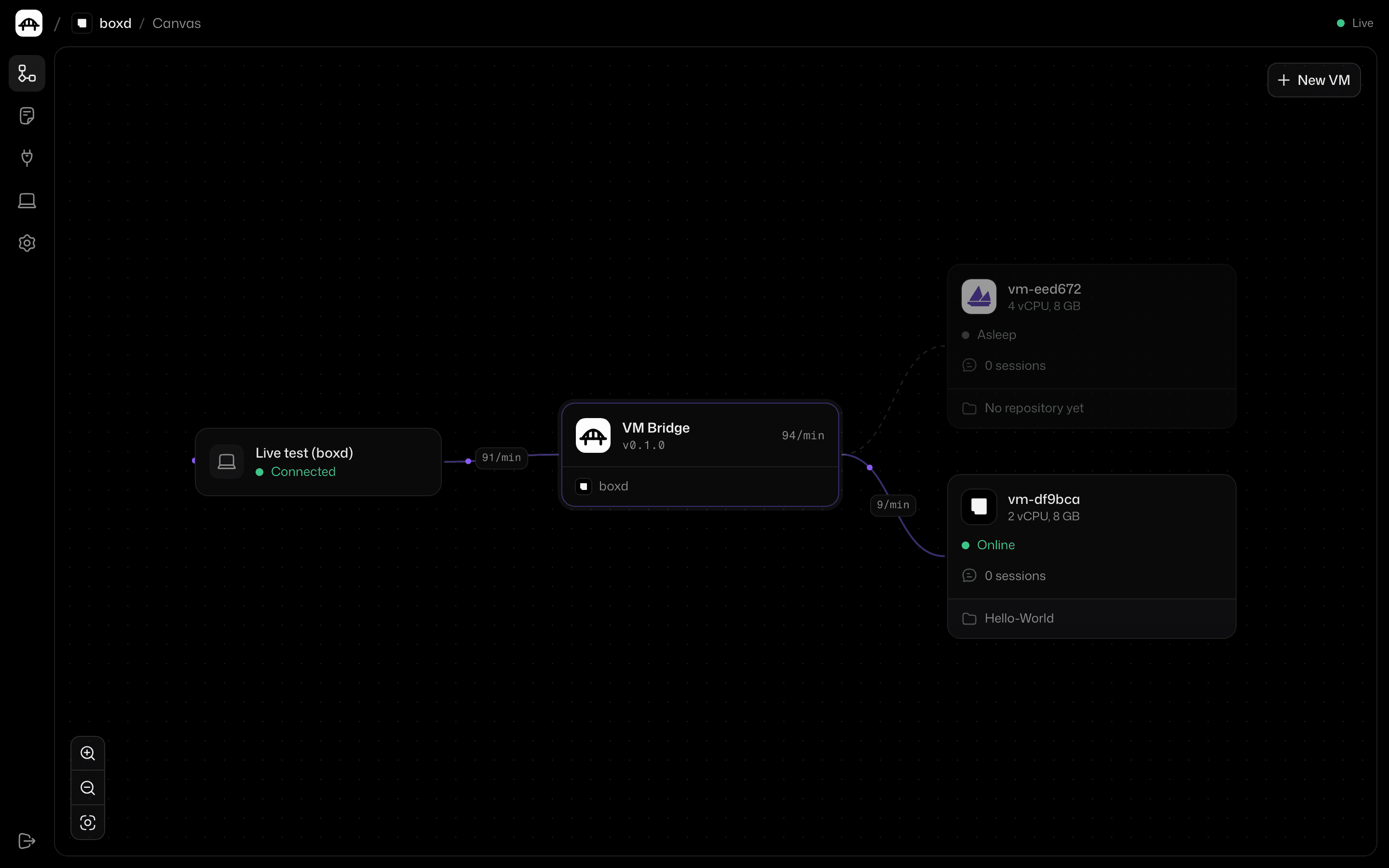
One connection, routed per project
To T3 Code, VM Bridge looks like a single T3 server. It keeps one connection to each awake VM, routes calls by project or thread, and answers local reads itself.
Config, the project list, and sleeping threads come from VM Bridge in about 1 ms.
Messages, file browsing, and Git status go to the project's VM, about 160 to 320 ms away.
Nine supported sandbox providers
Use your own accounts and API keys, and add several providers at once.
 boxd
 Instabox
 Daytona
 Boat
 Railway
 E2B
 Freestyle
 Superserve
 Kubi
A web dashboard behind one password
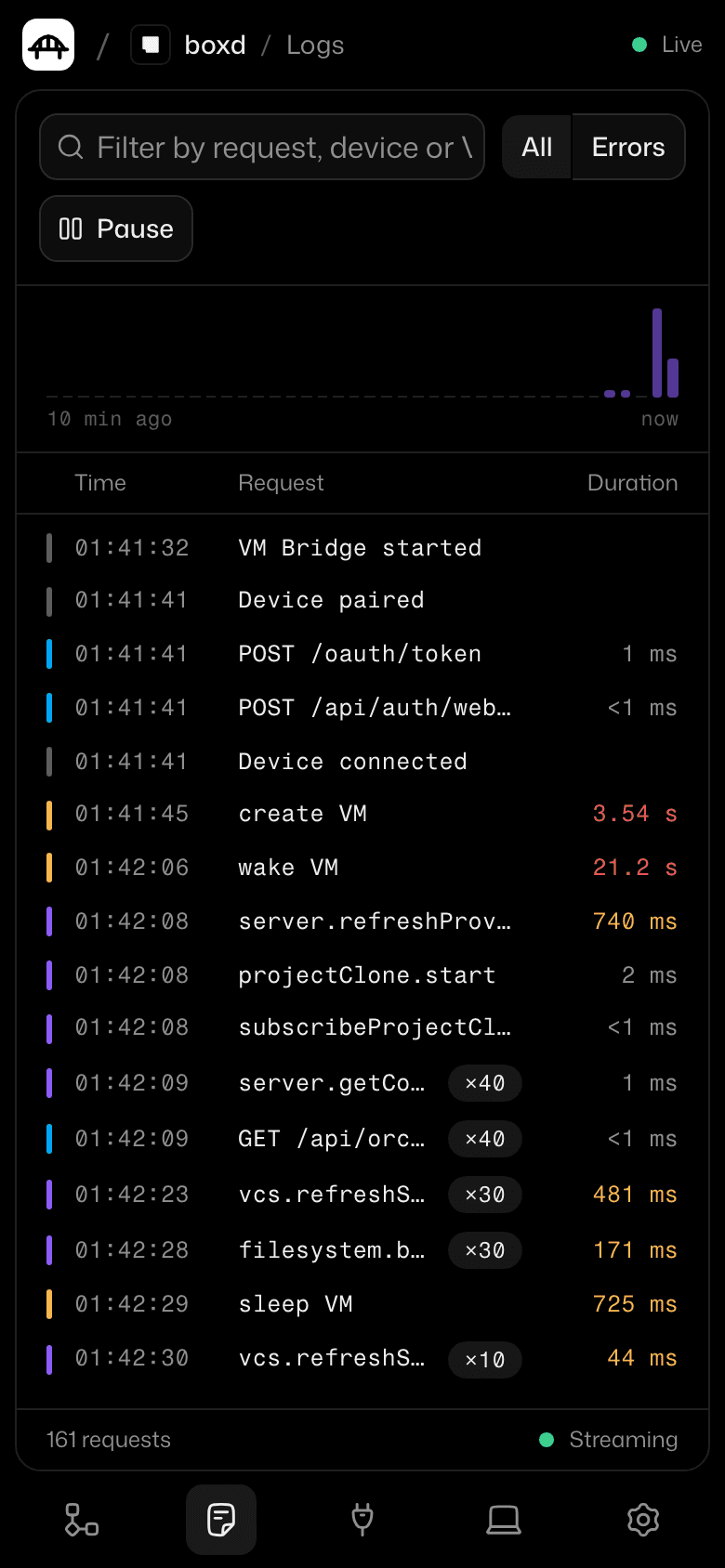
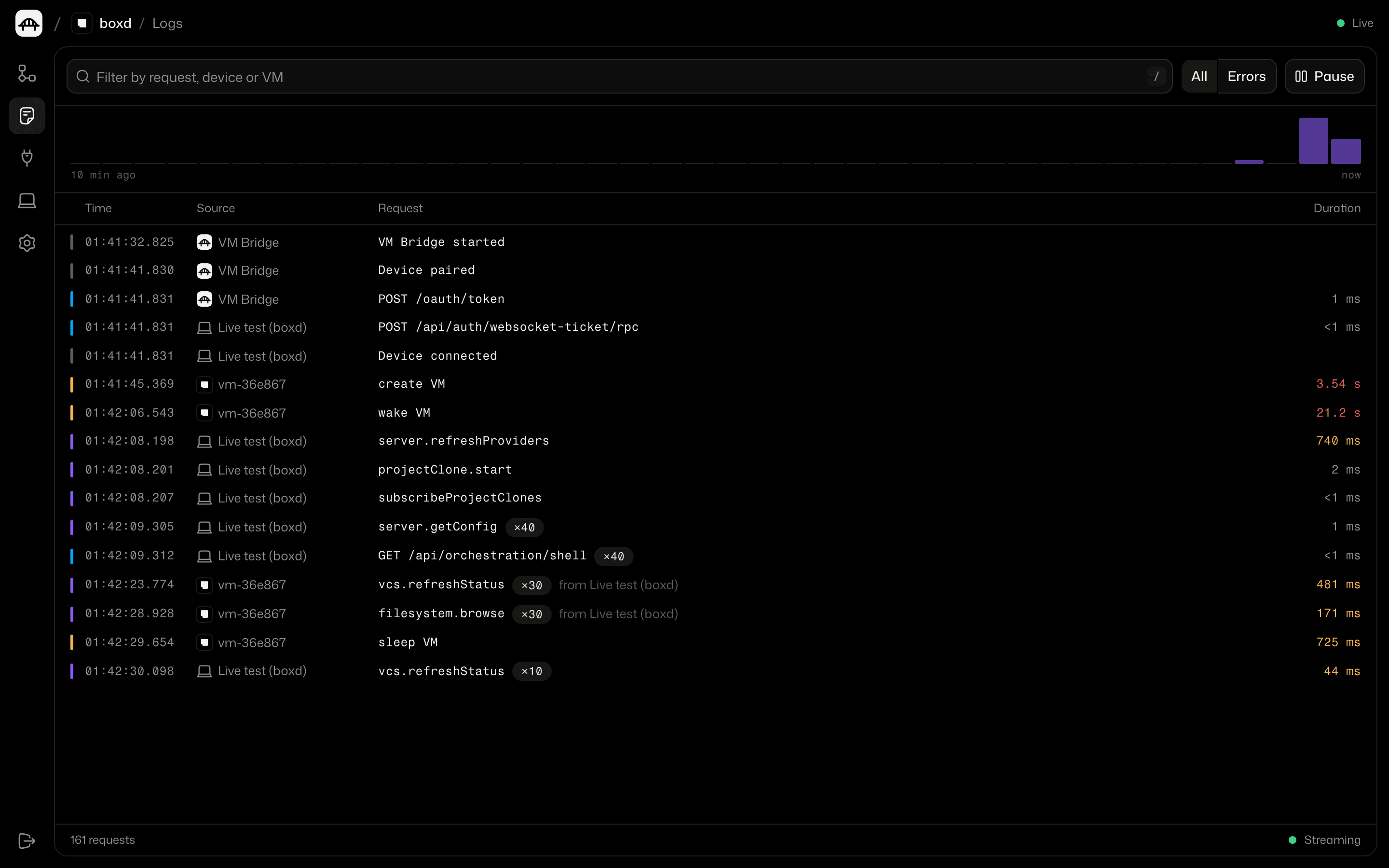
Inspect VMs, request logs, and devices at /dashboard. The API never returns saved secrets, and logs never store message text or tokens.
Five commands
Run VM Bridge in a terminal or as a login service via launchd or systemd. It listens on 0.0.0.0 by default for LAN and Tailscale access.
Questions
VM Bridge is a free, open source server that runs T3 Code agents on cloud VMs. You pair T3 Code with it once, and it gives each project its own VM (and more when the project gets busy), puts idle VMs to sleep and wakes them when you send a message.
VM Bridge supports boxd, Instabox, Daytona, Boat, Railway, E2B, Freestyle, Superserve and Kubi. You can add several at once, pick a default for new VMs, and send a repository to a given provider.
VM Bridge is free and open source under the MIT license. You pay your cloud provider for the VMs, and idle VMs go to sleep so they stop using compute.
A VM goes to sleep after it has been idle for a set time, 5 minutes by default, with no agent turn running. When you send a message in one of its threads, VM Bridge wakes the VM and then delivers the message. Waking takes about 6 to 21 seconds on most providers and about a minute on Railway.
On the machine that runs VM Bridge, in ~/.vmbridge, readable only by your user. Provider keys, the GitHub token and agent sign-ins stay there, and the dashboard never shows a saved secret again.
One executable for macOS and Linux
One command puts the server, dashboard, and CLI in ~/.local/bin. Run it again to update.
$ curl -fsSL https:/